For Events/Conferences/ Interpretation Services
- Ram Kesarwani - 9811 200 494
- ram@translationindia.com
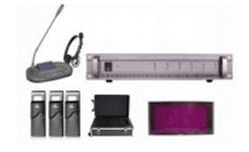
Translation India has successfully executed over 6000 international simultaneous conferences- from Head’s of state’s to Fortune 500 Companies providing flawless solutions for Simultaneous Interpretation.
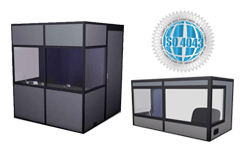
All our Interpretation booths are ISO certified with ventilation, Professionally designed by audipack and multi-caisses quality and soundproof features to ensure smooth Interpretation with an inbuilt fan from Multi-Caisses, Canada.
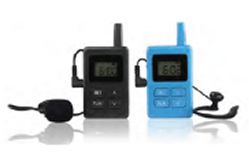
Boost your excursions' quality and experience comfort, plan your factory visits, showroom meetings and shop floor tours or running a major theatrical performance with our reliable and time tested Audio Tour Guide systems.

Translation India offers Voting pads or wireless audience response systems that elevate your business event, presentation conference, training session, or a product launch. It is a LIVE audience Voting System.
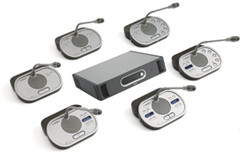
We rent out user-friendly BOSCH DCN digital discussion systems for a variety of functions, including board meetings, conventions, hotels, and government buildings. We adhere to the strictest IEC industry requirements.
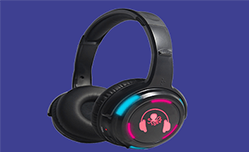
We offer Silent Party Headphones, for you to discover a method to continue the late-night festivities and parties in the disco or a Birthday party without disobeying the law and Silent Conference Systems.
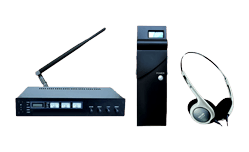
Translation India offers both IR BASED Silent conference Systems as well as RF based conference systems and we have proven to be one of the most effective silent conference systems service providers in Asia Pacific.
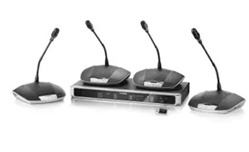
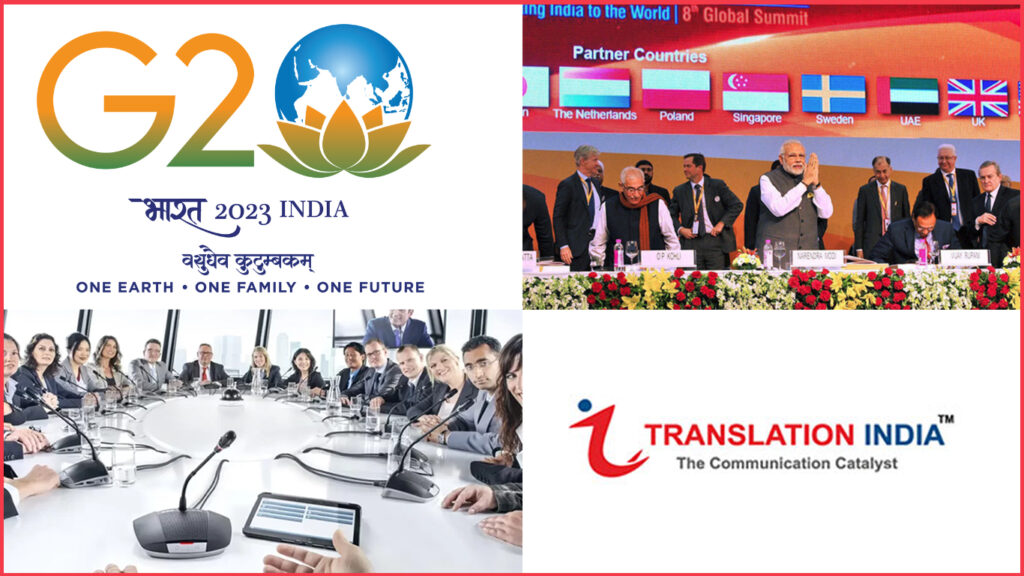
India is Hosting The Prestigious G20 in the year 2023 and Translation India is honoured to provide The Bosch CCS 1000 microphone...
Translation India has a rich experience of 23 Years and we are on mission to provide high-quality simultaneous translation and interpretation services to businesses, Government Organisation’s, Heads of State , Fortune 500 companies at reasonable prices while maintaining the quality and outstanding customer service. We at Translation India, keep ourselves abreast with the latest translation interpretation equipment , technologically advanced wireless conference system and certified high-quality simultaneous translation equipment such as wireless interpretation systems, Interpretation ISO booth, tour guide systems etc. We also offer Voting Pads- Buzzers while keeping a competitive cost and services par excellence unmatched. We understand very well that simultaneous translation forms the backbone of any successful event and for that we have Qualified Trained staff with 24 hours support.
We ensure that our interpretation services are technologically advanced and well equipped to deliver the complete message to the entire audience without any hassle. We have industry-specific experienced interpreters and best in class project management teams and translation equipment across the globe with over 200+ digital language channels. Translation India is now a Globally recognised one stop destination for multilingual translation solutions at competitive budget. We understand the importance of multilingual communications and therefore we only offer certified top notch branded simultaneous translation equipment for rental or hire.
Translation India has received recognitions and note of thanks and appreciation from across the industry Leaders, Various Diplomats, and world leaders for providing end to end rental solutions for language interpretation equipment and simultaneous interpretation equipment . You can hire high-tech wireless interpretation systems and language interpretation services at an affordable price. In existence since 2001, Translation India has catered to some of the most prestigious and largest International events across the length and breadth of the country and abroad.
Since 2014 to 2021 ( Eight years ). Arranged Simultaneous Interpretation systems for 200 DIPLOMATS/ HEAD OF STATES. LIVE translation from Hindi to English
Attended by Shri Narendra Modi and Honorable Shinzo Abe – Prime Minster of Japan Simultaneous Interpretation in Hindi and Japanese with 4700 headphones for all the delegates during the conference.
Conference spread over 3 weeks in the sprawling India Export Mart, Greater Noida, UP . Project Setup included Delegate Mike with Software controlled Mike andSpeaker Management Systems , Interpretation systems for 21 meeting rooms - with 6 language Facility in each room, 3000 + multichannel wireless receivers -headphones
Attended by the Leaders of Federative Republic of Brazil, the Russian Federation, the Republic of India, the People's Republic of China and the Republic of South Africa. Provided Interpretation Equipment and Services at 6 venues , 500 headphones ,5 language translation at each venue.
Implemented BOSCH Delegate Mikes for 300 delegates and Bosch Interpretation systems for 4 rooms with 6 language interpretation , 300 delegates, Experienced Conference Interpreters in French, Spanish, Arabic, Chinese, Russian and Portugese.
Congregation of 54 Regional Member Countries requiring Simultaneous Interpretation across 11 location , Multiple Language transmission with Auto relay for over 2000 delegates for 5 days.
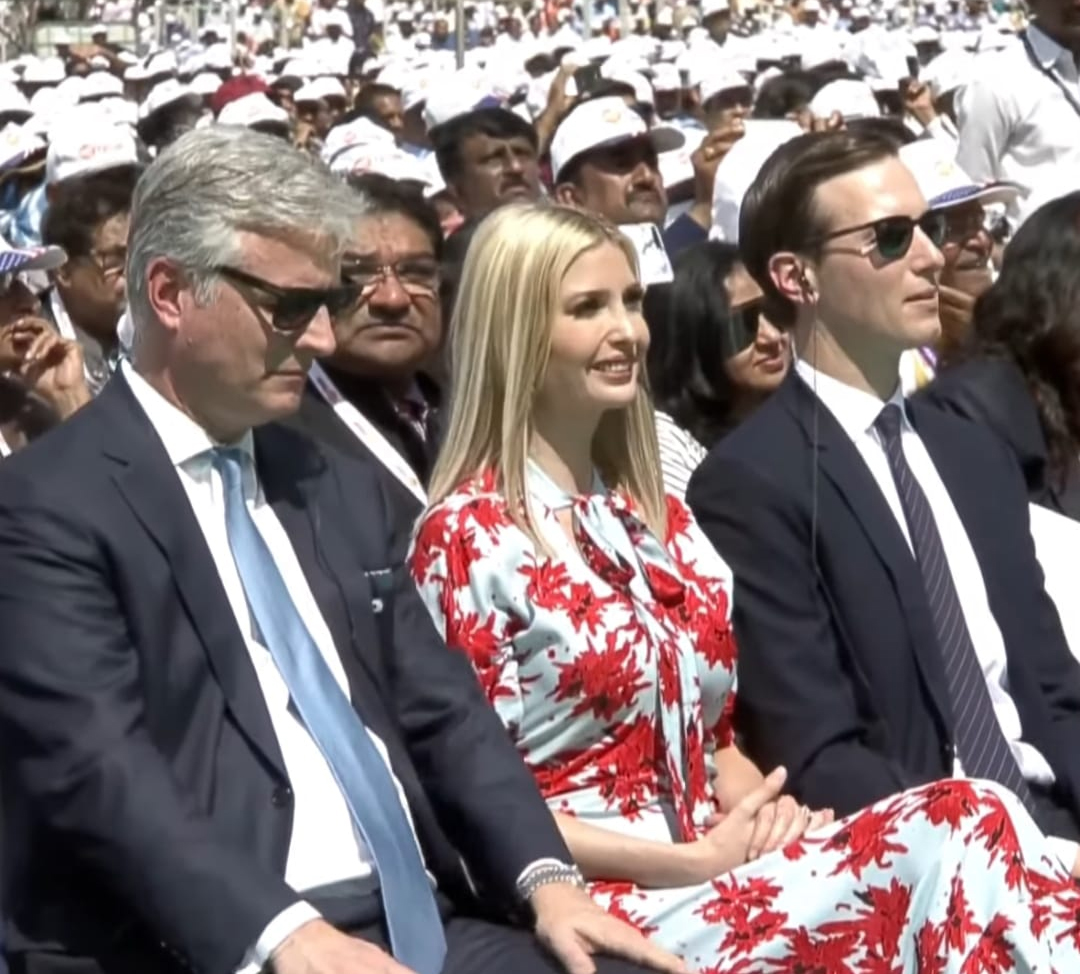 Translation India was privileged to offer Translation Equipment and Simultaneous Interpretation services for Namste Trump event at Ahemdabad in the year 2020. The august gathering were Former USA President Mr. Donald Trump , His daughter Ivanka Trump , Indian Prime Shri. Narendra Modi and host of other VIP dignitaries.
Translation India has successfully delivered Services to more than (50) Fifty G20 events and meetings in India and there are more than seventy (70) events which will be organised and Translation India has delivered and shall be delivering Conference Mike Camera and CMS system to G20 meeting's in India and in some of the events we have offered and shall be offering Simultaneous Interpretation System also.
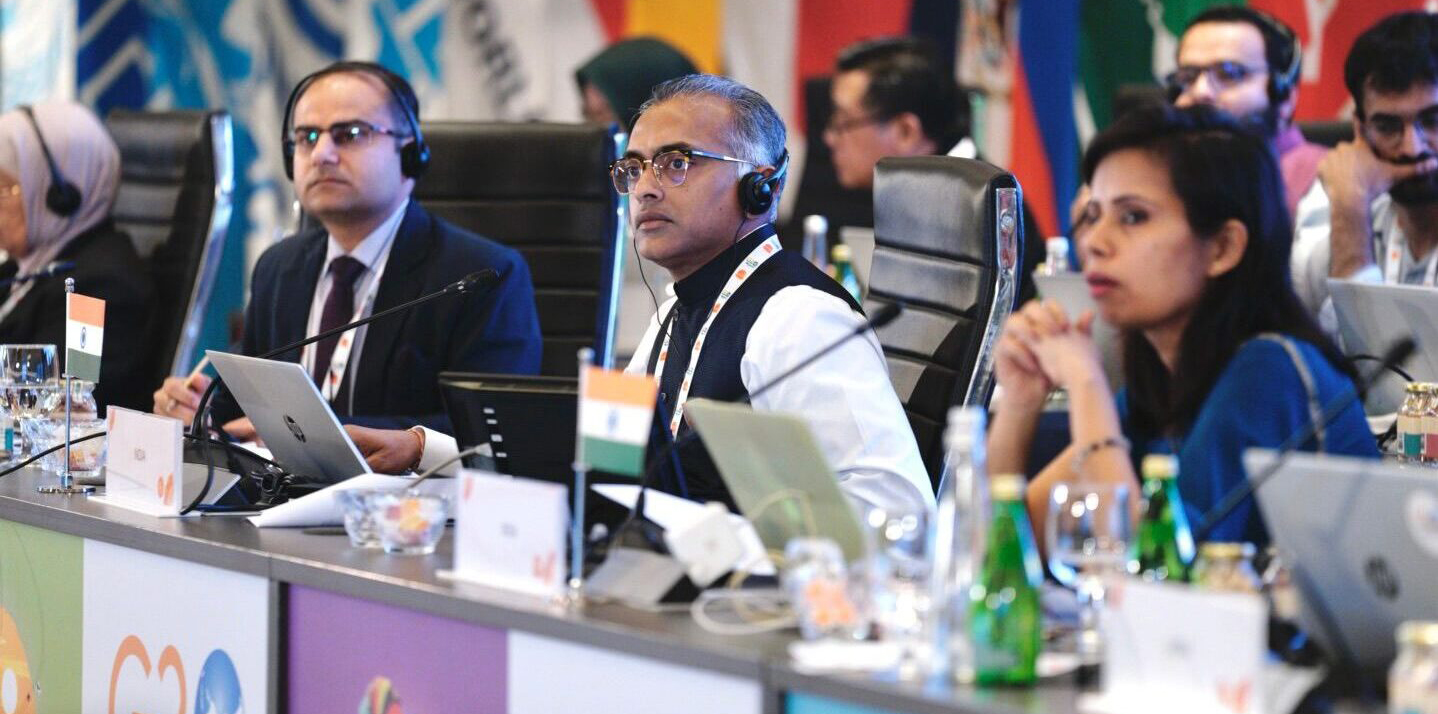






















Translation India is on mission to provide high-quality translating and interpreting services to businesses, large organizations as well as individuals at a reasonable prices while maintaining the quality and outstanding customer service. Our interpretation services make sure delivering the complete message to the entire audience without any hassle.